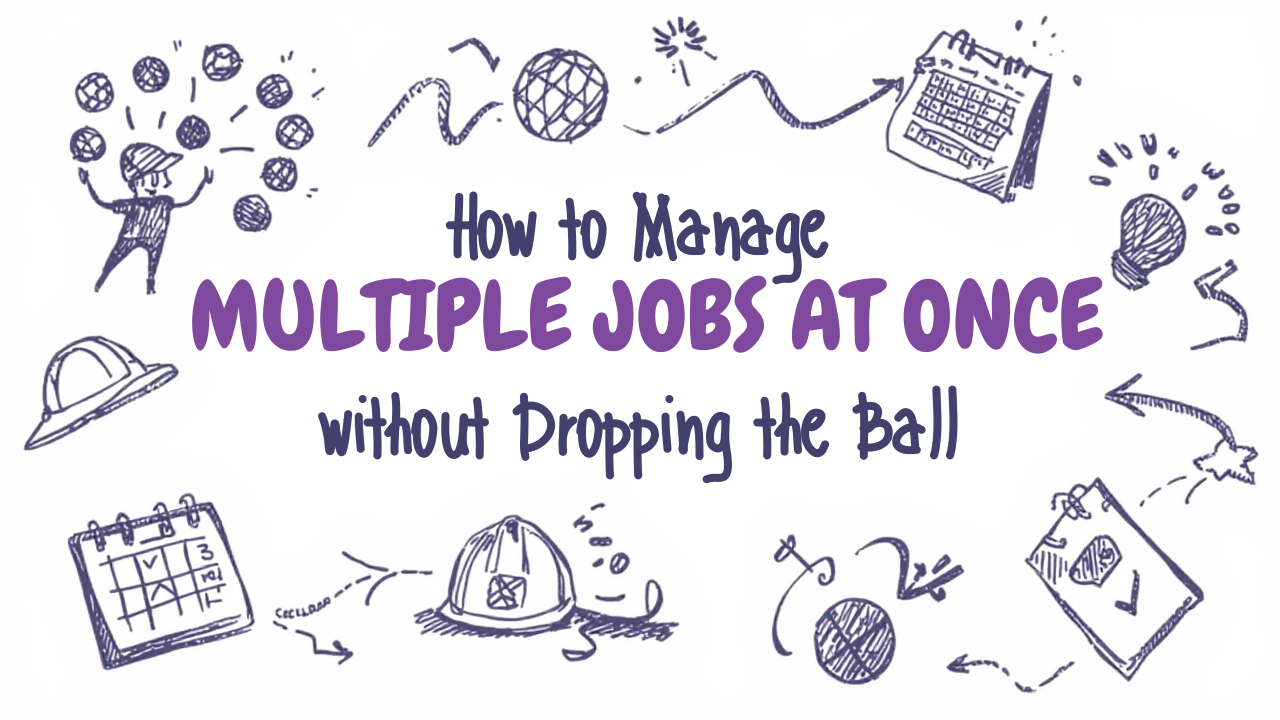
Lisa runs a landscaping operation in the Minneapolis suburbs. During peak season from May through September, she's managing anywhere from six to twelve active jobs at any given time. Lawn installs, irrigation systems, patio builds, seasonal cleanups. Her crew is sharp. Her work is good. But last June, she double booked a crew for a Thursday, forgot to order retaining wall material until the day before it was needed, and missed a client callback that eventually turned into a complaint.
Nothing catastrophic. But enough to make her stop and think: her systems weren't keeping up with her workload. She wasn't dropping balls because she was disorganized by nature. She was dropping them because she'd never built a system for running multiple jobs simultaneously.
There's a specific set of skills that make a difference between a contractor who can handle a full schedule and one who cracks under it. Most of it isn't talent. It's structure.
The Core Problem: Managing Jobs From Memory
Solo contractors and small crews often run everything from memory and text messages. For one or two jobs, it works. For five or more active jobs, it collapses. The human brain is not built to track a dozen parallel timelines, each with their own materials, crews, client expectations, and deadlines.
The symptoms are familiar: forgetting to order materials until the last minute, missing a client call because three other clients texted in the same hour, showing up to a job without a crew member who thought someone else had the right address, invoicing late because the job closed and then got mentally filed away.
None of these are character flaws. They're what happens when a growing business outpaces the system used to run it. The fix isn't working harder. It's building a simple structure that your current load can run inside of.
A Simple Weekly Dashboard That Actually Works
The single most impactful thing a multi job contractor can do is build a visual weekly dashboard. A single view of all active jobs, their status, and what needs to happen next.
This doesn't have to be software. A whiteboard works. A Google Sheet works. A notebook with a dedicated page per week works. What matters is that it exists in one place and gets reviewed every Monday morning.
For each active job, track: client name, job type, current status (not started / in progress / punch list / invoiced), next required action, materials status, crew assigned, and scheduled date. That's your entire weekly picture in one table. When a client calls, you can answer intelligently in seconds instead of spending two minutes searching through texts to remember where their job stands.
Lisa built hers in Google Sheets. It took about ninety minutes. She reviews it every Monday and updates it when jobs advance or details change. Double bookings dropped to zero. Material shortages became rare. Her crew started each week with clear assignments instead of a morning text thread trying to sort out who was going where.
Batch Your Communication Instead of Living in Reactive Mode
One of the biggest time drains for multi job contractors is reactive communication. Answering every text and call the moment it comes in and constantly interrupting job flow to handle incoming questions.
A better approach is setting two or three communication windows per day, such as 7:30 a.m. before crews deploy, noon during a break, and 5:30 p.m. after work wraps. During those windows, return all calls, reply to all messages, and send any client updates. Outside those windows, focus on the work.
Set this expectation with clients upfront. "I'm on job sites most of the day but I'm reachable mornings before 8 and evenings after 5:30 for non urgent questions." Most clients respect this immediately. It positions you as organized and focused, not unavailable.
For urgent issues such as a crew showing up to find a gate locked or a material delivery arriving early, have a direct number for that. But routine questions? Batching them is one of the highest leverage changes a busy contractor can make.
Create Standard Start and Closeout Checklists for Every Job Type
The details that fall through the cracks on a multi job schedule are almost always the same details. Materials ordered late. Permits not confirmed before start. Client walkthrough not scheduled before final payment. A post job follow up that never happened.
The cure is checklists specific to each job type you regularly take on. A lawn install checklist. An irrigation system checklist. A patio build checklist. Each one covers the same steps in the same order so no detail relies on memory.
- Pre job: contract signed, deposit received, permits pulled if needed, materials ordered and confirmed, crew assigned and briefed, client notified of start date.
- During job: milestone updates to client at agreed points, materials restocked as needed, any scope changes documented via change order.
- Closeout: final walkthrough with client, punch list items completed, photos taken, invoice sent within 24 hours, follow up scheduled for one week later.
Lisa laminated her job type checklists and keeps them in the truck. New crew members follow them automatically. Nothing gets skipped because someone was tired or distracted. The consistency is visible to clients and they notice it.
Know Your Capacity Ceiling Before You Book Over It
The hardest discipline in a busy season is knowing when to stop booking. Every contractor has a real capacity limit. The number of active jobs they can manage at quality without something slipping.
Going past that limit doesn't produce more revenue. It produces smaller margins, worse reviews, and a team that starts to burn out.
Track your capacity honestly. If you consistently produce your best work managing eight active jobs but job quality starts slipping at ten, eight is your ceiling. Protect it.
Tools like Qiggz help here too. When you're at capacity, you can dial back your profile visibility. When you have bandwidth, you can open it back up and let incoming job requests fill the gaps. No commission on what you book, direct chat with every client, and the flexibility to manage your pipeline at the pace your business can actually support.
Frequently asked questions
How many jobs can a contractor realistically run at the same time?
Most contractors start dropping details past about five active jobs when they are running everything from memory and text messages. The brain cannot track a dozen parallel timelines with different materials, crews, expectations, and deadlines. Your real ceiling is the number you can run before quality slips, and it is worth protecting rather than trading for marginal revenue.
What is the best way to track multiple jobs at once?
Put every active job on a single weekly dashboard and review it every Monday. It can be a whiteboard, a Google Sheet, or a notebook, as long as you see everything in one view. For each job, record the client name, job type, status, next action required, materials status, crew assignment, and scheduled date.
How do I stop double-booking jobs and crews?
Double-booking comes from tracking schedules in your head instead of in one place. A single weekly view showing crew assignment and scheduled date for every active job makes conflicts visible before they happen rather than on the morning they bite. The landscaping contractor in the post spent about 90 minutes building hers and the double-booking stopped.
How do I handle client calls without losing my whole day?
Batch them instead of answering every message as it arrives. Set two to three communication windows a day, for example 7:30 a.m., noon, and 5:30 p.m., and handle calls and messages then. Tell clients up front when you respond, so the delay reads as a system rather than neglect. Keep a direct number for genuine emergencies only.
What should a job checklist include?
Build one checklist per job type covering three phases. Pre-job: contract, deposit, permits, materials ordered, crew briefed. During the job: milestone updates, restocking, change orders. Closeout: final walkthrough, punch list, photos, invoice within 24 hours, and the follow-up scheduled. The checklist carries the details so you do not have to.